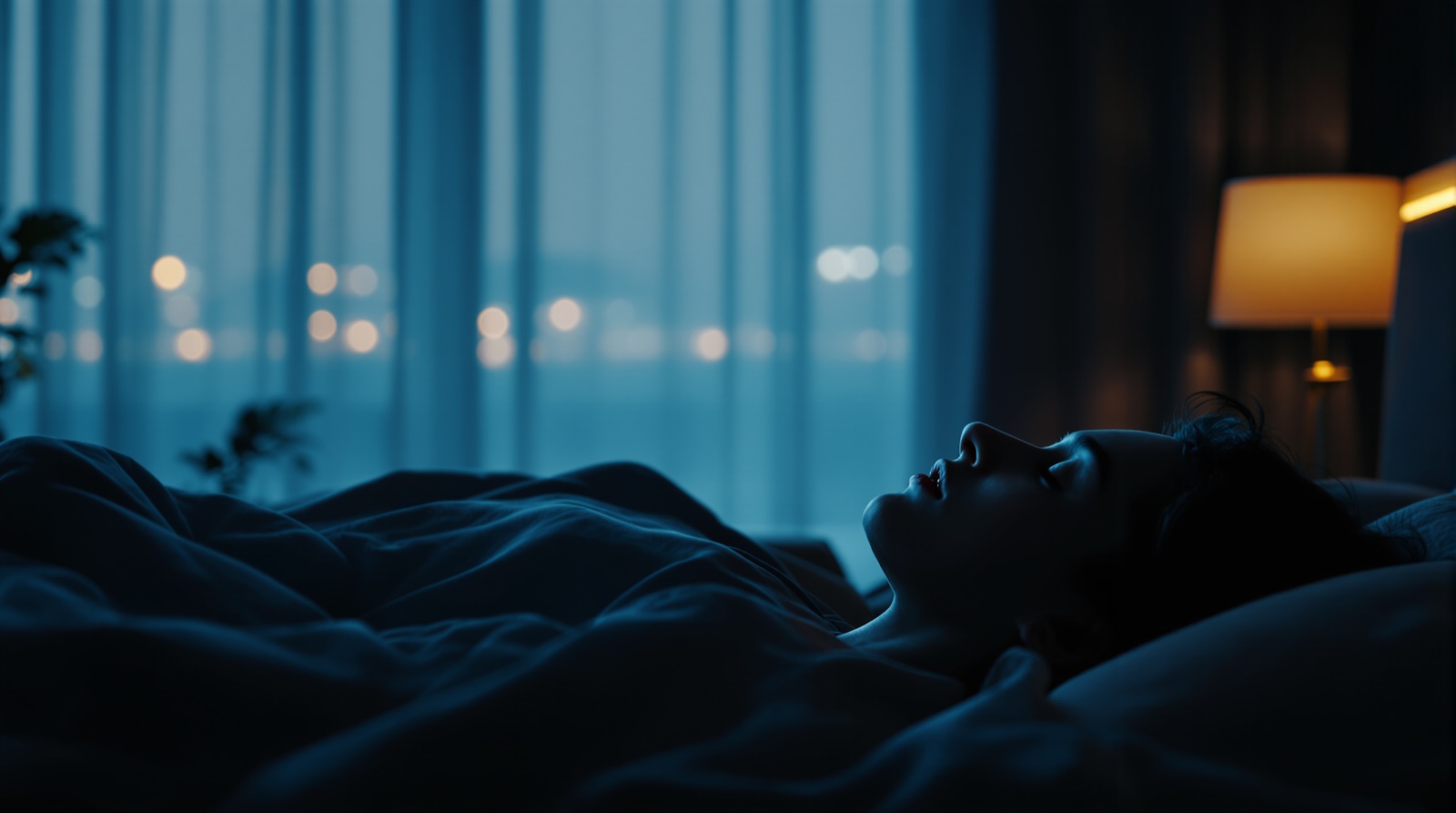
Best Sleep Talk Recorder Apps (2026)
Most people sleep talk at some point, and almost nobody remembers a word of it. That's exactly why a sleep talk recorder is so addictive: you wake up, hit play, and hear the nonsense you mumbled at 3 AM. This is a roundup of the best sleep talking apps for iPhone — the established audio-only recorders, and the one app that captures the video too.
TL;DR
- Audio-only: Sleep Talk Recorder, Dream Talk Recorder, Prime Sleep Recorder, and SnoreLab all capture overnight sound clips.
- Video + audio: SnoreCam records a short video clip when it detects sleep talking, snoring, or coughing — and captions the moment with on-device AI.
- Audio recorders are cheap and proven; video shows you the whole scene, not just the sound.
- Privacy matters here — sleep talk can be embarrassing. SnoreCam keeps everything on your iPhone, encrypted, never uploaded.
What a sleep talk recorder actually does
A sleep talk recorder runs while you sleep and listens through your microphone. When it hears speech or a sound spike above a threshold, it saves a short clip timestamped to that moment. In the morning you get a list of episodes you can scrub through. It's a deliberately narrow tool: catch the sound, save it, let you laugh at it later. If you want the science behind why you're talking in the first place, see our guide to what causes sleep talking (clinically, somniloquy).
The audio-only sleep talk recorder apps
These are the apps that defined the category. They're microphone-based, they've been around for years, and they do their one job well.
Sleep Talk Recorder (MadInSweden)
The original and still the best-known sleep talking app. It records sound-triggered clips through the night and presents them as a tidy timeline the next morning. The detection is tuned to ignore steady background noise and capture the spikes — speech, a cough, a laugh. Inexpensive, reliable, and the one most people mean when they say "the sleep talk app." Audio only.
Dream Talk Recorder
A close competitor on Android and iOS with the same core idea: threshold-based overnight audio capture, a morning list of clips, and easy sharing. It leans into the playful "what did I say?" framing. Solid free tier, paid unlock for more storage and features. Audio only.
Prime Sleep Recorder
A more utilitarian take — it records sound events and also layers in basic sleep-quality estimates and noise graphs, so it doubles as a light sleep tracker. Good if you want a little more data around the clips. Still fundamentally an audio recorder.
SnoreLab (talk capture)
SnoreLab is built for snoring, but its overnight audio sampling also picks up spoken episodes, so a lot of people use it as a de-facto sleep talk recorder too. If snoring is your main concern and sleep talk is a bonus, it's a reasonable single app. For a fuller comparison of the snore-focused options, see our roundup of the best snore recording apps or the head-to-head SnoreCam vs. SnoreLab breakdown.
The video option: SnoreCam
Every app above is audio-only — that's not a knock, it's just the era they were built in. Capturing video privately wasn't feasible until phones could run vision AI without sending anything to a server. SnoreCam is the app that does it.
SnoreCam is a private, on-device AI sleep camera for iPhone (iOS 26+). You prop the phone on your nightstand; it watches and listens, and when it detects sleep talking, snoring, or coughing it records a short video clip with the audio. (A clip can also fire on phone motion.) Each clip gets an AI caption describing the moment — so your morning highlight reel reads back what happened, not just a waveform. Because it captures video and audio, there's a per-clip audio-only playback mode for when you just want to listen to exactly what you said.
The AI is a bundled MiniCPM-V 4.6 model that runs entirely on the phone — no download, no account, no chip requirement, and it works in airplane mode. Nothing leaves your device: no servers, no cloud, no upload path anywhere. Clips are stored encrypted on your iPhone. For sleep talk specifically, that privacy is the whole point — what you say at night can be weird, personal, or genuinely embarrassing, and it should never end up on someone else's server.
First 3 nights are free with no card (they're non-consecutive and never expire), then it's $9.99/mo or $59.99/yr. Live preview and live captions are free forever. There's a morning highlight reel, a share sheet for the clips worth sending to a group chat, and a Snore Score. SnoreCam is not a medical device.
Why people record their sleep talking at all
It's mostly curiosity and comedy. Sleep talk is usually nonsense — a half-sentence about a meeting, a name, a string of gibberish — and hearing it back is funny precisely because you have no memory of it. The clips are inherently shareable: the "you will not believe what I said last night" text is a genre unto itself. A smaller group records to settle a debate with a partner, or out of mild concern about how often it happens. Whatever the reason, a video clip plus the audio tells the story better than a sound bite alone — you can see whether you were restless, sitting up, or dead asleep while the words came out. If you'd rather start with the basics of overnight recording on iPhone, see how to record yourself sleeping on iPhone.
How to choose
- Just want the audio, cheaply? Sleep Talk Recorder or Dream Talk Recorder. Proven, simple, low-cost.
- Want a bit of sleep data with it? Prime Sleep Recorder, or SnoreLab if snoring is also a factor.
- Want to see what happened, not just hear it — and keep it private? SnoreCam. Video + audio + an AI caption, all on-device.
Catch what you say — and see it
SnoreCam records a short video clip (with audio) when it detects sleep talking, snoring, or coughing, then captions it with on-device AI. Nothing is ever uploaded. Wake up to a highlight reel of what you got up to at 3 AM — most of it is genuinely funny.
FAQ
What's the best sleep talk recorder app?
For audio-only capture, Sleep Talk Recorder (MadInSweden), Dream Talk Recorder, and Prime Sleep Recorder are the long-standing options — they listen overnight and save the clips where they hear you speak. SnoreLab also captures spoken episodes alongside snore audio. If you want to see and hear what happened — not just hear it — SnoreCam is the only option that records short video clips with audio when it detects sleep talking, snoring, or coughing, and writes an AI caption of the moment, all on-device.
Can an app record what I say in my sleep?
Yes. A sleep talk recorder runs overnight and uses your microphone to detect speech or sound above a threshold, then saves a short clip around each episode so you can listen back in the morning. Audio recorders only keep the sound. SnoreCam adds an on-device detector that watches for snoring, sleep talking, and coughing, and when it fires it records a short video clip (with the audio) so you get both the words and the footage.
Do sleep talk recorders capture video too?
Almost all of them are audio-only — they were built before phones could run vision AI privately. SnoreCam is the exception: it captures a short video clip plus the audio when it detects sleep talking, and adds an AI caption describing what's in the frame. It can also fire a clip on phone motion. Everything stays on the device.
Is it private to record my sleep talking?
It depends on the app. Many cloud-connected sleep apps upload recordings to a server for processing or backup — sleep talk can be embarrassing or sensitive, so that matters. SnoreCam never uploads anything: there are no servers, no cloud, and no account. Clips are stored encrypted on your iPhone, and the AI runs on-device — it works in airplane mode.
Related reading
SnoreCam is not a medical device. This article is for informational purposes only and does not constitute medical advice. If you have concerns about your sleep, consult a qualified healthcare provider.