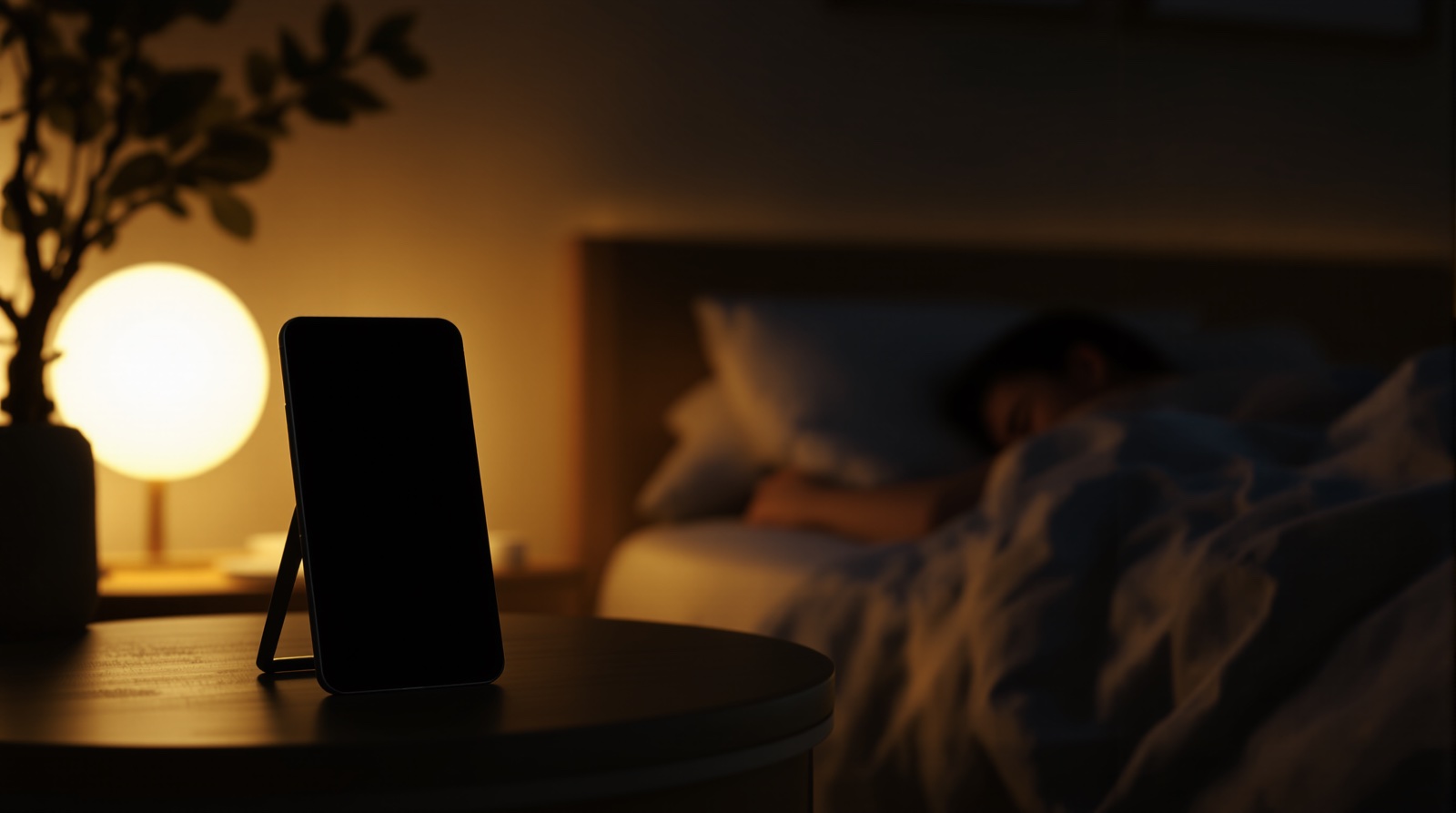
How to Record Yourself Sleeping on iPhone
Maybe you want to hear what you mumble at 3 AM, catch your own snoring so you can do something about it, or just settle a debate with your partner. Whatever the reason, the question is the same: how do you actually record yourself sleeping on an iPhone, all night, without it turning into a mess? There are three real options. Here's how each one works, and the honest trade-offs of each.
TL;DR
- The built-in Camera app works, but you'll film hours of nothing and fill your storage.
- Screen-recorder and third-party continuous recorders are clunky, and cloud ones upload your bedroom.
- A purpose-built sleep camera saves only the moments that matter and captions them.
- Always keep the phone plugged in; an all-night recording will drain an unplugged battery.
- Prop it on the nightstand, use the rear camera, dim the screen, point it at the bed.
Option 1: The built-in Camera app
The simplest answer is the one already on your phone. Open the Camera app, switch to Video, prop the iPhone against something on your nightstand, and hit record before you fall asleep. It works — you'll get footage. But for an all-night recording, the stock Camera app fights you in a few predictable ways.
- It fills your storage fast. An hour of 1080p video is several gigabytes; a full night can be 30–60 GB or more. Most phones simply run out of space before morning.
- There are no triggers. The camera records everything, so you film hours of you lying perfectly still and silent. Finding the 30 seconds where you actually snored or talked means scrubbing through the whole night by hand.
- Screen and battery issues. The Camera app keeps the display fully lit, which is bright in a dark room and generates heat. And recording video continuously will flatten an unplugged battery long before sunrise.
Verdict: fine for a one-off curiosity if you don't mind babysitting storage, but painful as a real habit. If your goal is specifically to record snoring and review it, see our roundup of the best snore recording apps.
Option 2: A screen-recorder or third-party continuous recorder
There are workarounds that turn a continuous recorder into an all-night camera — long-recording apps, security-camera-style apps, or repurposing iOS Screen Recording. Some of these handle the storage problem better than the stock Camera app by compressing more aggressively or chunking footage into files.
The catch is twofold. First, they're clunky for this job: you're bending a tool built for something else (surveillance, screen capture) into a sleep use case it wasn't designed for, so setup is fiddly and the output is rarely organized around your moments. Second, and more important: many of these apps back footage up to the cloud. That means video of you asleep in your bedroom leaves your phone and lands on someone else's server. If privacy matters to you — and for bedroom footage it should — read the data policy carefully before you trust one of these with a whole night.
Option 3: A purpose-built sleep camera (SnoreCam)
The third option is an app built specifically to video record yourself sleeping on iPhone without the storage, review, and privacy headaches. SnoreCam is a private, on-device AI sleep camera for iPhone (iOS 26 and up). The camera stays on all night, but it only saves a short video clip — with audio — when its on-device AI detects snoring, sleep talking, or coughing. A clip can also fire if the phone itself is moved.
Because it saves only trigger moments instead of the whole night, you wake up to a handful of clips instead of an eight-hour file — and your storage stays sane. Each clip is captioned automatically, so you can tell at a glance what happened. The AI is a bundled MiniCPM-V 4.6 model that runs entirely on the phone: there's no download step, no chip requirement, and it even works in airplane mode. There are no servers, no cloud, and no upload path anywhere — clips are encrypted on-device and never leave your iPhone.
On top of the clips, you get a morning highlight reel of 3–5 captioned moments, a Snore Score from 0–100, an intensity timeline of the night, 7-night trends, audio-only playback, and a share sheet for the clips you want to keep. The first 3 monitoring nights are free with no card required — they're non-consecutive and never expire — after which it's $9.99/mo or $59.99/yr. The live preview and live captions are free forever. SnoreCam is not a medical device, but if you want to actually work on your snoring or understand why you talk in your sleep, it gives you the footage to reason from.
How to set it up (any method)
Whichever route you choose, the physical setup is the same and takes about a minute:
- Prop the phone on your nightstand against a book, a stand, or the wall, angled so the bed is in frame.
- Use the rear camera. It has a better low-light sensor and a wider field of view than the front camera, so it captures the whole bed even in a dark room.
- Keep it plugged in. All-night recording is a plugged-in activity. With the phone charging, battery stops being the budget — heat and storage take over.
- Dim the screen. A bright display in a dark bedroom is both distracting and a heat source. SnoreCam dims automatically; with the stock Camera app, lower brightness manually first.
Why shouldn't you record yourself sleeping? (The honest caveats)
If you've searched this, you've probably seen the question framed as a warning. The internet's spooky answers — you'll film a ghost, you'll see something you can't unsee — are entertainment. But there are three real, boring reasons to think before you hit record:
- Where the footage goes. This is the serious one. If the app or camera you use uploads to a cloud — for backup, processing, or "AI analysis" — then video of you asleep in your bedroom exists on a server you don't control, protected only by that company's security and policies. Bedroom footage is about the most sensitive video there is. Either read the data policy carefully or use a tool that structurally cannot upload.
- Sleep anxiety. Some people find that monitoring their sleep makes them sleep worse — you go to bed performing for the data instead of resting. If reviewing footage makes you anxious rather than informed, that's a real signal to record less, not more. A tool that hands you 3–5 short clips instead of eight scrubbable hours keeps review light.
- Other people in frame. If you share a bed, the camera records your partner too. Ask first — every time the answer isn't obviously yes.
And the counterweight: recording yourself sleeping is genuinely useful. It's how you find out whether you snore, what your sleep talking sounds like, and whether something odd is happening at night — and sleep clinicians do ask patients for home video of unusual nighttime events, because seeing an episode helps them tell conditions apart. Recorded privately and reviewed calmly, a night of footage answers questions no questionnaire can.
Record yourself sleeping the easy way
SnoreCam keeps the camera on all night but only saves the moments that matter — snoring, sleep talk, and coughs — captions them, and keeps everything encrypted on your iPhone. No cloud, no upload, no scrubbing through hours of footage. First 3 nights free, no card.
FAQ
Why shouldn't you record yourself sleeping?
The real reasons for caution are practical, not spooky. With a cloud-connected app or camera, footage of your bedroom sits on someone else's server — a genuine privacy risk. Watching yourself sleep can also feed sleep anxiety if you're prone to over-monitoring, and if you share a bed, your partner should agree before any camera points at it. None of these apply to recording itself — a private, on-device recording reviewed calmly (or brought to a doctor) is useful. Pick a tool where footage can't leave the phone, and skip nightly recording if reviewing it makes you anxious rather than informed.
Can I record myself sleeping on my iPhone?
Yes. There are three ways: the built-in Camera app (simple but it records hours of nothing and fills your storage), a screen-recorder or third-party continuous-recording workaround (clunky, and cloud versions raise privacy questions), or a purpose-built sleep camera like SnoreCam that only saves the moments worth keeping. For an all-night recording, a purpose-built app is the practical choice.
How do I record video of myself sleeping all night?
With the stock Camera app you prop the phone on your nightstand, point the rear camera at the bed, keep it plugged in, and tap record — but you'll capture one giant file of mostly nothing and have to scrub through hours of footage. A sleep camera app like SnoreCam keeps the camera on all night and only saves short clips when it detects snoring, sleep talking, or coughing, then captions them so you can find the moments instantly.
Will recording all night drain my battery?
An all-night video recording will flatten an unplugged phone, so always keep it plugged in on your nightstand. Battery is no longer the budget once it's charging — heat and storage are. SnoreCam only saves trigger moments rather than the whole night, so storage stays sane, and it dims the screen to keep heat down.
Is it private to record yourself sleeping with an app?
It depends entirely on the app. Many continuous-recording and cloud-backup apps upload your footage to a server, which means video of your bedroom leaves your phone. SnoreCam was built the opposite way: there are no servers and no upload path, clips are encrypted on-device, and the AI runs locally — it even works in airplane mode.
Related reading
SnoreCam is not a medical device. This article is for informational purposes only and does not constitute medical advice. If you have concerns about your sleep, consult a qualified healthcare provider.